Greetings!
HIGH END Vienna 2026 is very close now.
At HIGH END Vienna 2026, SOtM would like to present not simply a “digital audio system,” but the direction of sound that we have pursued for a very long time.
The demonstration system will consist of the following components.
Network Server & Player : sMS-2000 × 2 sets
DAC : sDP-1000EX × 1 set
New 10MHz Clock Generator : sCLK-OCX10ultra × 1 set
USB Signal Regenerator : tX-USBultra × 2 sets
Network Audio Switching Hub : sNH-10G × 3 sets
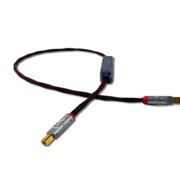
New USB Cable : cBL-USBm × 3 pcs
New Interconnect Cable : cBL-INTbQ × 1 set
New Interconnect Cable : cBL-INTuQ × 1 set
LAN Cables : dCBL-CAT8M × 4 pcs, dCBL-CAT7U × 6 pcs
LAN Isolators : iSO-CAT6 × 2 pcs, iSO-CAT7 × 4 sets
Power Supplies : sPS-500 × 7 sets
Power Strips : mT-1000 × 2 sets
BNC Cables : dCBL-BNC50 × 8 pcs
Power Cables : pCBL-SS8-F × 10 pcs
The system will also feature Joseph Audio loudspeakers, Doshi Audio pre/power amplifiers, and Cardas Clear Beyond cables.
Music playback will be handled through Roon, using both locally stored files as well as Qobuz and TIDAL streaming services. Most importantly, the heart of this demonstration is a dual sMS-2000 system operating with the Diretta Alta protocol.
Diretta Alta represents a fundamentally different approach from conventional network audio systems. By bypassing the standard OS network stack and delivering audio data directly to the ALSA device, it minimizes unnecessary intervention to an extreme degree.
The result is not simply an increase in resolution. It is about the silence of the background, the density of space, the dimensionality of sound, the height and depth of the soundstage, and the natural energy that makes music feel alive.
At HIGH END Vienna 2026, we would like to demonstrate that digital playback is not merely a “convenient method,” but can become a new reference in musical expression itself.
Interestingly, there will be no analog source player in our room.
However, we are convinced of one thing.
Well-designed digital playback no longer sounds “digital.” Instead, in terms of musical density, texture, energy, and naturalness, we believe it can reach areas that many analog systems have never fully achieved.
SOtM does not describe its products with grand expressions such as “Reference,” “Flagship,” “Stunning,” “Brilliant,” or “Pure.”
In fact, we are also a brand that does very little advertising.
SOtM introduces its products through the music you actually hear.
This demonstration at HIGH END Vienna 2026 will be the most direct opportunity to experience that philosophy.
HIGH END Vienna is being held in a new location for the first time, and this is also SOtM’s first participation in the exhibition. The environment may not be perfect. Nevertheless, even under such conditions, we would like to demonstrate how precisely and deeply music can be reproduced.
Perhaps, in this room, you may encounter a level of refinement and naturalness you have never experienced before.
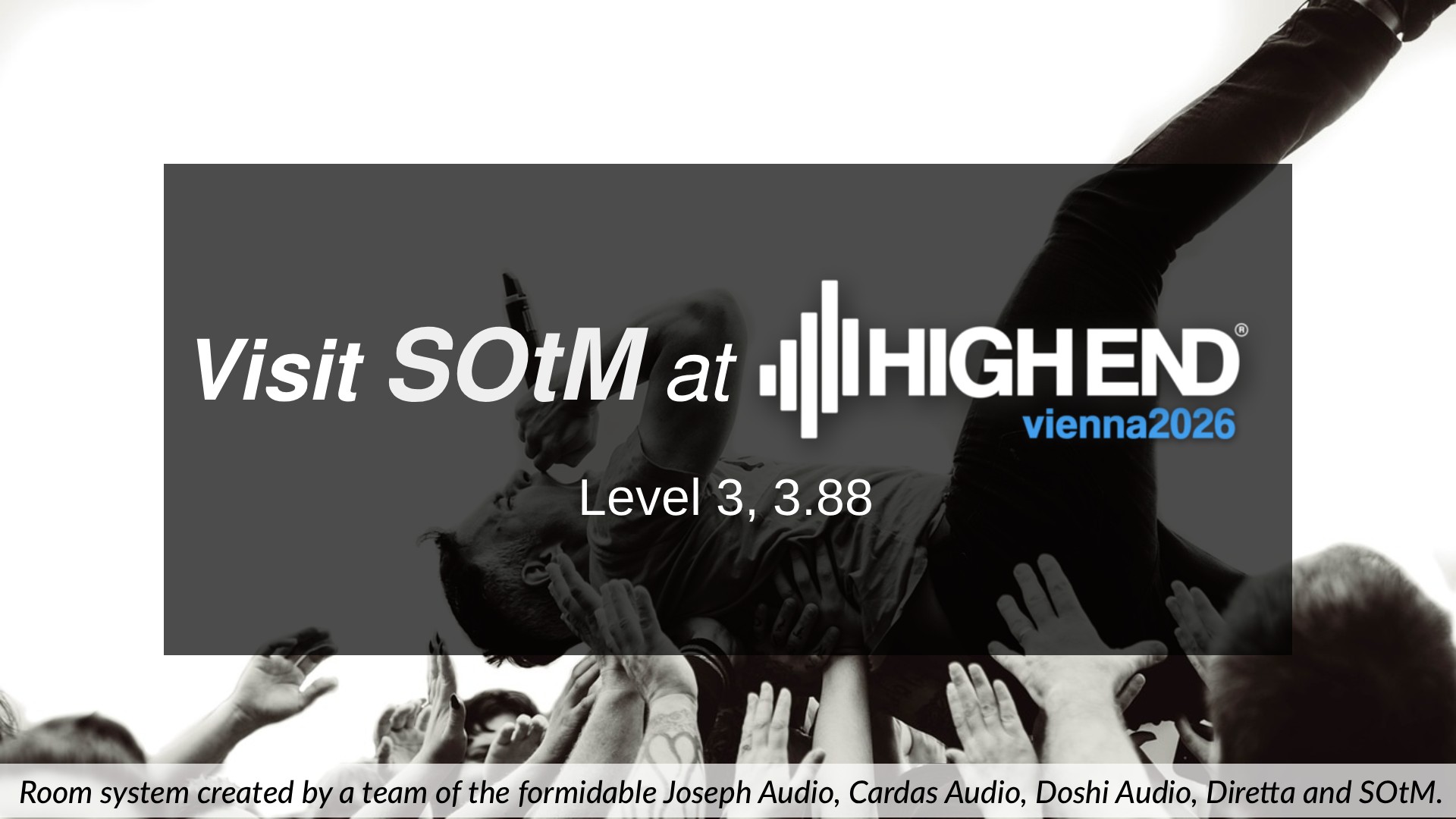
HIGH END Vienna 2026
Level 3, Room 3.88
We invite you to experience it for yourself in the SOtM show room.
Thank you!