
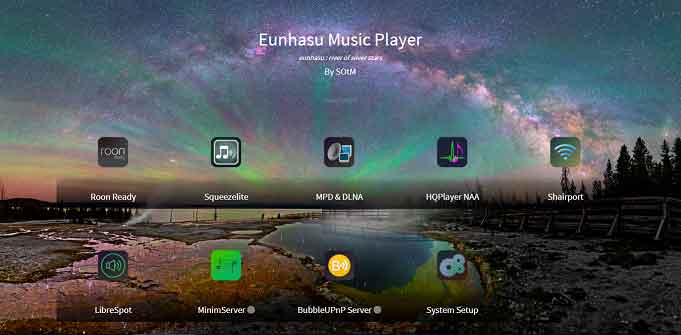
Eunhasu v0.6.4a alpha version update
Greetings.
We have uploaded the Eunhasu v0.6.4a Alpha version to the test server.
The most significant change in this update is the major performance improvement of the Web GUI main page.
Previously, the slow response time of the main page had a noticeable impact on overall system performance. To resolve this issue, we redesigned the internal processing method.
As a result, the actual processing speed has improved by up to 100 times, and the perceived user experience is approximately 10 times faster.
(A small delay is intentionally added for UI stability.)
Version : V0.6.4a
– Date : 04-03-2026
– Upgraded Web GUI main page.
– Significantly improved Web GUI main page speed
– Added Start, Stop, Restart function on Main Web GUI page for Diretta, MinimServer and BubbleUPnP Server
– Removed the Start icon when starting music app
– Removed the HQplayer NAA(Networkaudiod)’s Enable and Disable feature but changed to be always Enable
This Alpha version is released for performance testing purposes.
We would greatly appreciate your testing and feedback.
Please especially check the main page speed and overall system responsiveness and share your experience.
Thank you.
16th, April, 2026
Eunhasu v0.6.4c is a maintenance update that addresses an issue where the Eunhasu main screen was not functioning properly.
Other than this fix, the contents are identical to the previous version.
18th, April, 2026
Eunhasu v0.6.4e has been uploaded to the Alpha server.
Two additional features have been added compared to v0.6.4c:
• Added Private CA for security check on browser
This feature adds a certificate so that you can access Eunhasu using https://<eunhasu ip address>.
The reason for this change is that recent browser versions restrict certain features unless the connection is made over HTTPS. To address this, we have added a Private CA (self-signed certificate) to Eunhasu, allowing HTTPS connections and enabling additional functionality.
If you are experiencing abnormal behavior on the Eunhasu main screen, please install this version.
When you first try to connect to http://<eunhasu ip address>, a screen like the image below will appear.
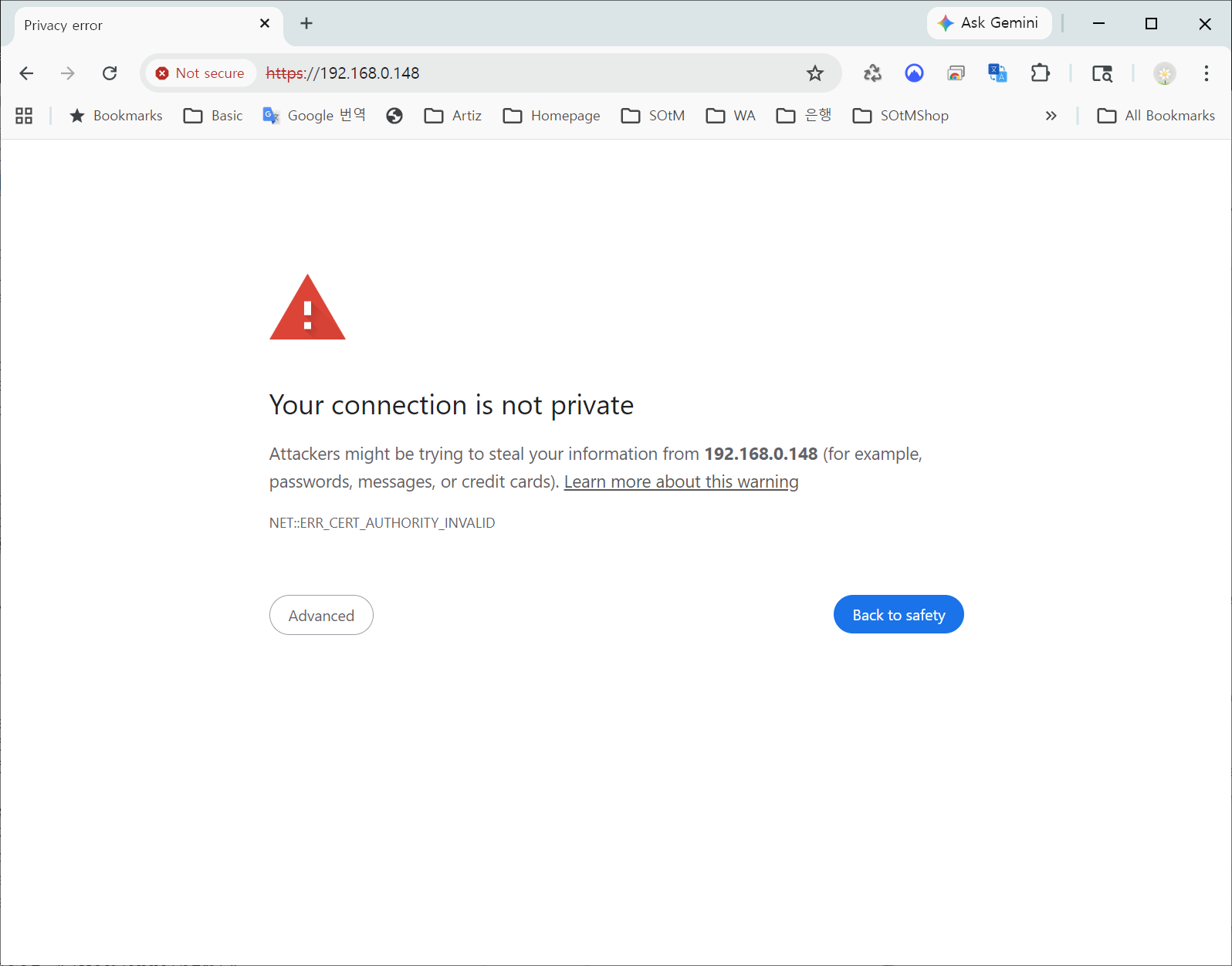
At that point:
Click the “Advanced” button
A second screen will appear
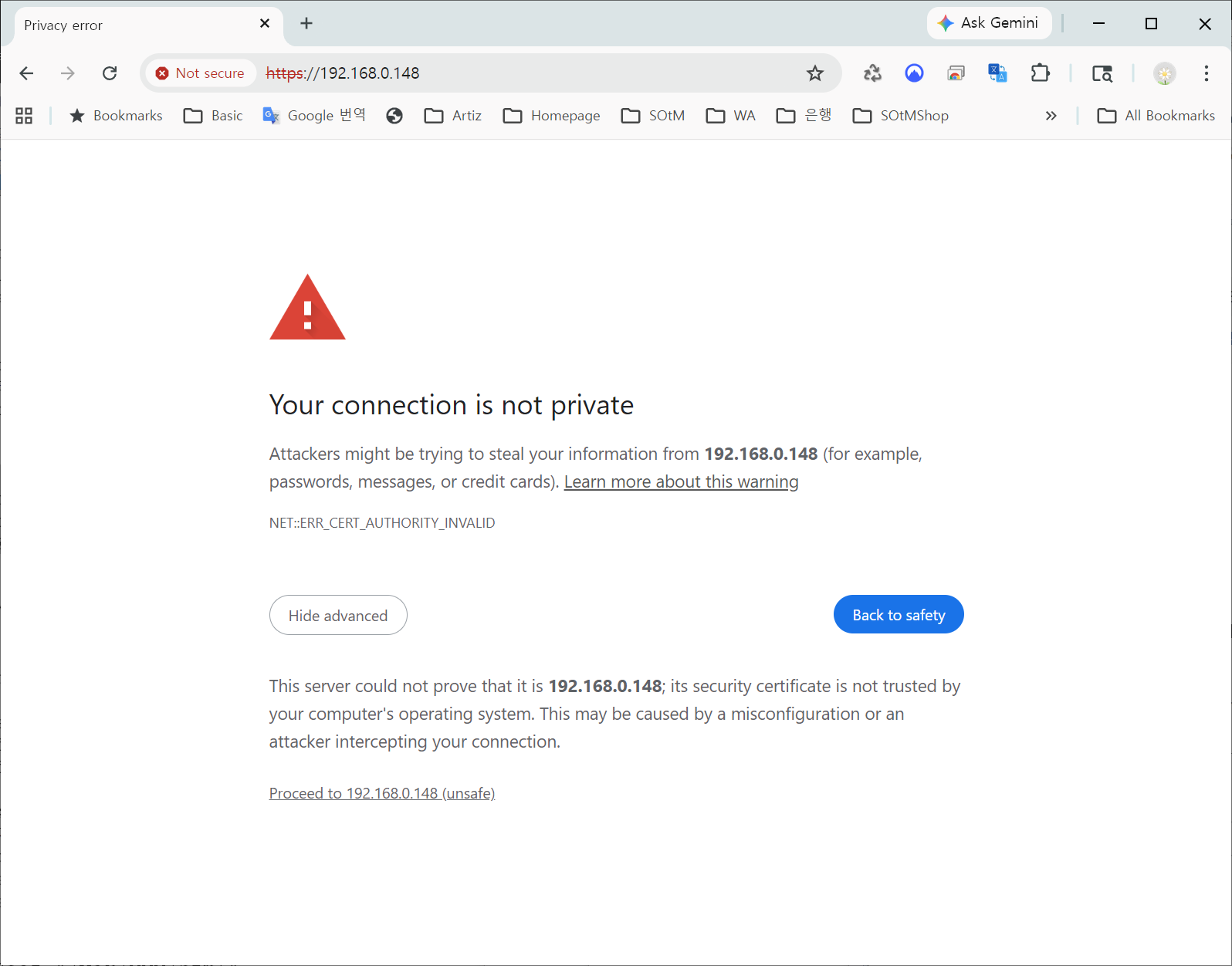
Click “Proceed to xxx.xxx.xxx.xxx” to continue
After doing this once, the warning screen should not appear again, and you will be able to connect normally from then on.
• Added Private CA for security check on browser :This feature is intended for users running the Eunhasu OS on third-party motherboards that we have modified and built into Audio PCs, rather than on the sMB-Q370 motherboard.
For more information about this feature, please contact us by email, and we will provide further guidance separately.
Thank you.


